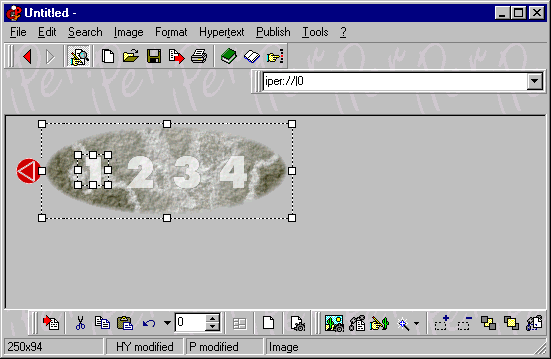
It is very easy to insert image “hot spots”. You can use the right mouse button on the image, or you can use the “image toolbar” (click on it to get more help) or the “Image” menu. Click on the image to get Help:
Do you have precise and constructive suggestions on how to improve this page with more clear instructions / detail?
Contact us!