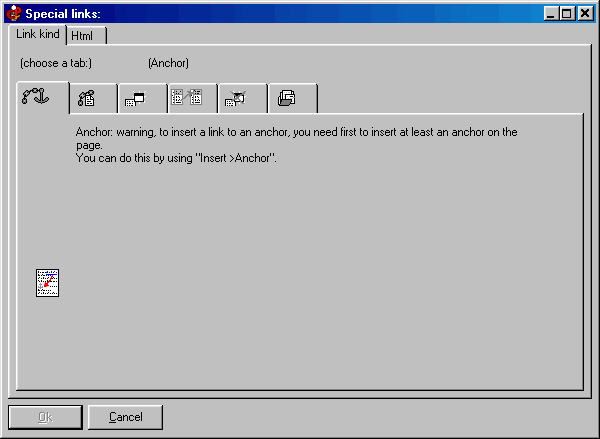
Insert special links
The “special links” are one of the key points of HyperPublish. With them you can visually place links to another frame, to a popup Window, to an Internet address, and much more, as well as using “anchors” inside the page.
This tab permits you to insert a link to an anchor. An “anchor” is an invisible bookmark that can be placed anywhere on a page (with “Insert >Anchor”). Click on the image to get Help:
Please notice that some “special links” will work only in “read only” mode, and will not work properly while in “editor” mode.
Do you have precise and constructive suggestions on how to improve this page with more clear instructions / detail?
Contact us!
Some other VisualVision professional software programs: