Manage all pages simultaneoulsy
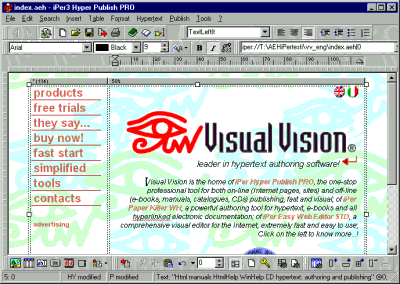
HyperPublish’s user friendly environment manages multiple-page documents in a classical WYSIWYG editor. All pages are simultaneously available for editing, and are saved as a single document, instead of many scattered text and image files. This means you can archive and share a whole CD / site, for example, through one manageable file, as you might for plain text documents with your favorite Word Processor.
The fastest way to switch between pages is to double click a link (yes, you can browse even in the editor!), or by using the page number box:
The page toolbar, in the bottom of the main program window
The first page of a site
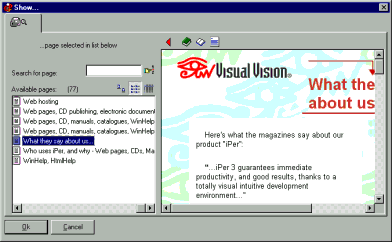
With “Hypertext >Go to page” you can choose the page to edit by name or through a browsing-enabled preview:
Choose the page to edit visually, with Hypertext >Go to page
Do you have precise and constructive suggestions on how to improve this page with more clear instructions / detail?
Contact us!
Some other VisualVision professional software programs: